Typing Trainer | مدرب الكتابة
A downloadable Typing Trainer for Windows
Typing Trainer | مدرب الكتابة
A free typing practice game for Windows that works in both Arabic and English.
GAME MODES
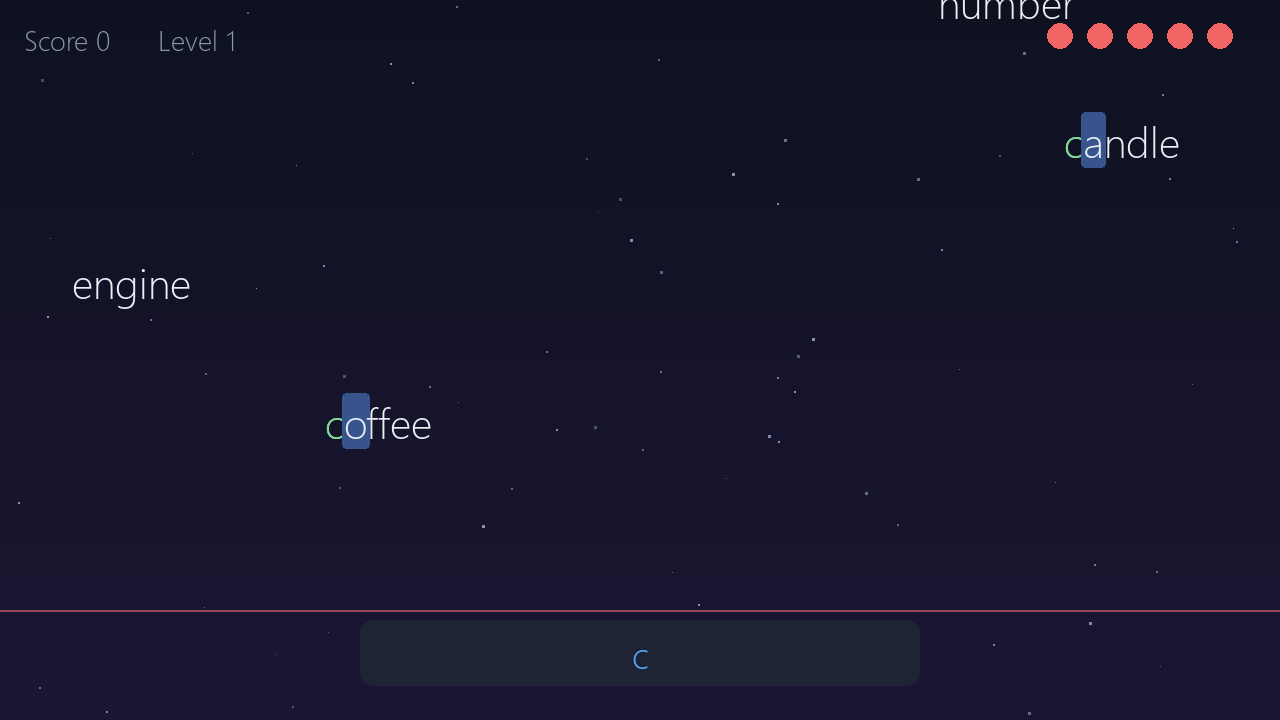
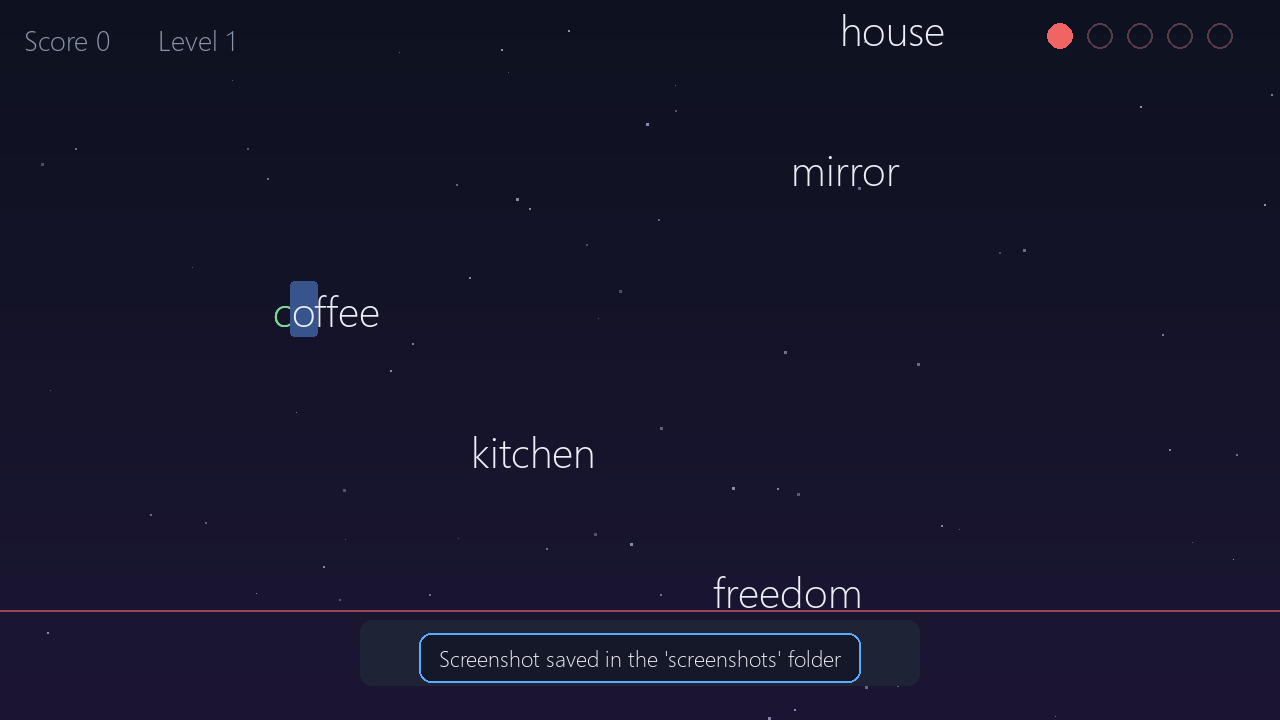
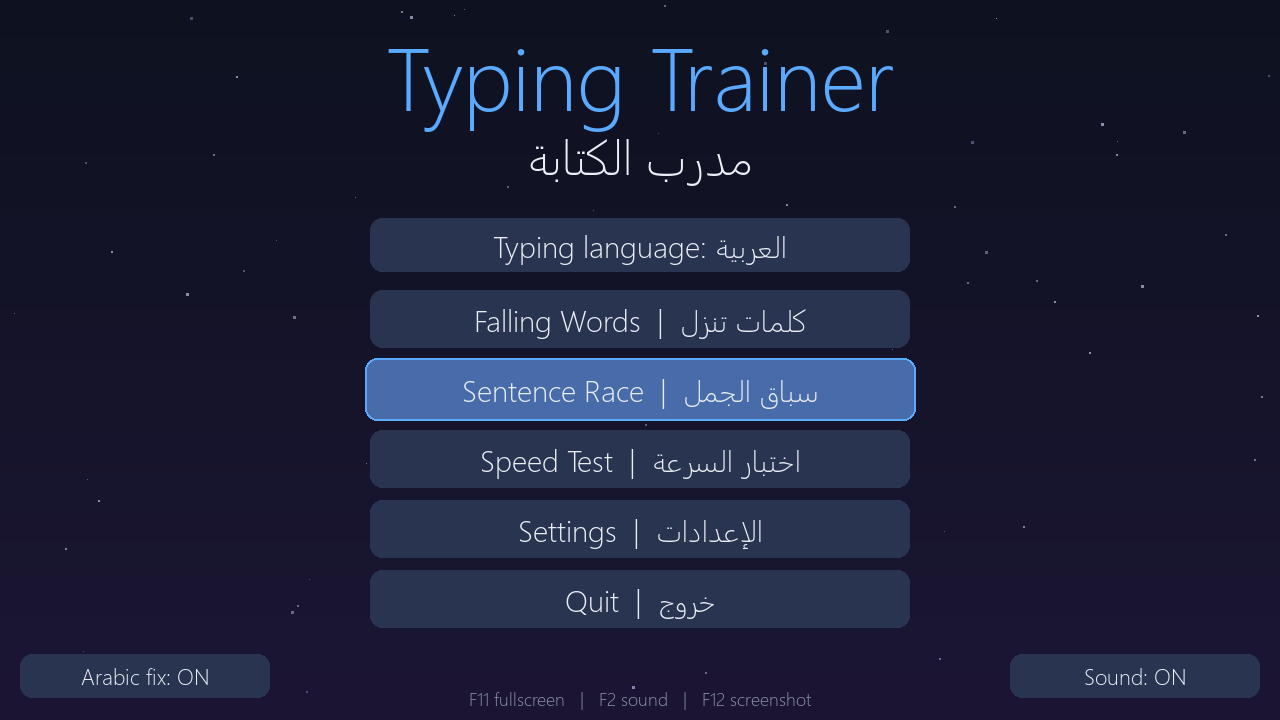
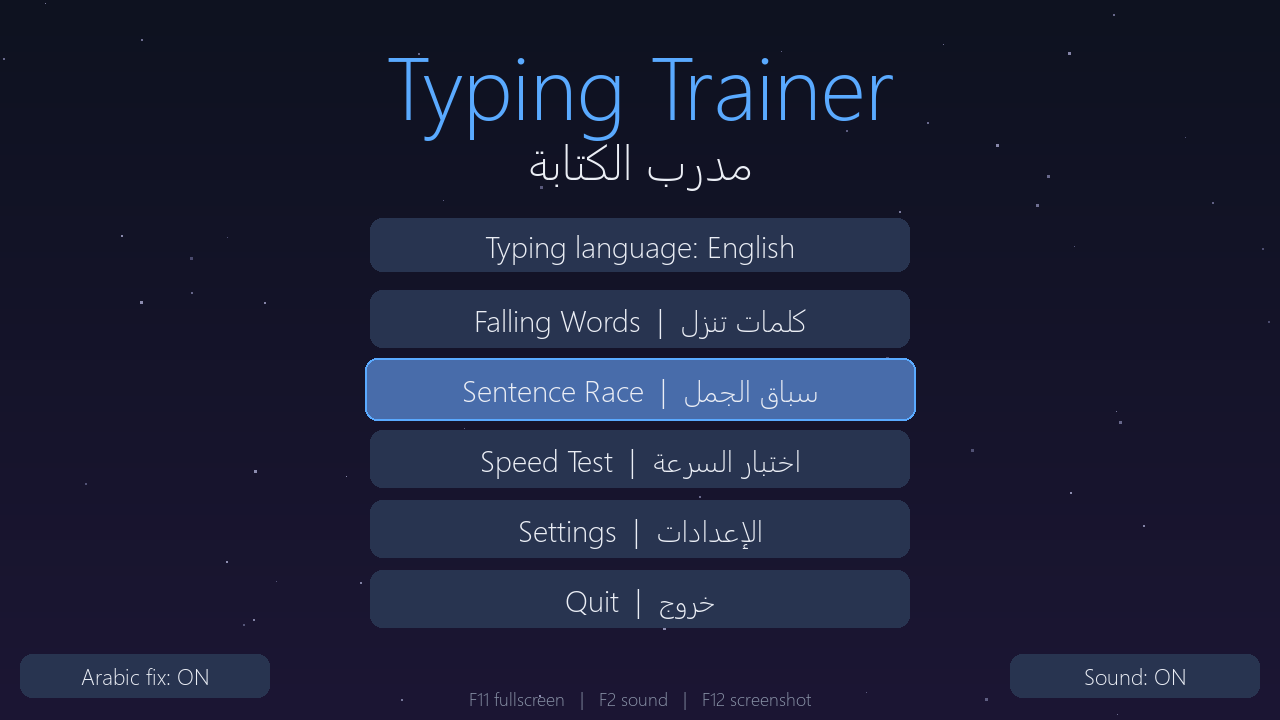
- Falling Words: type the words before they hit the ground. Speed grows as you level up.
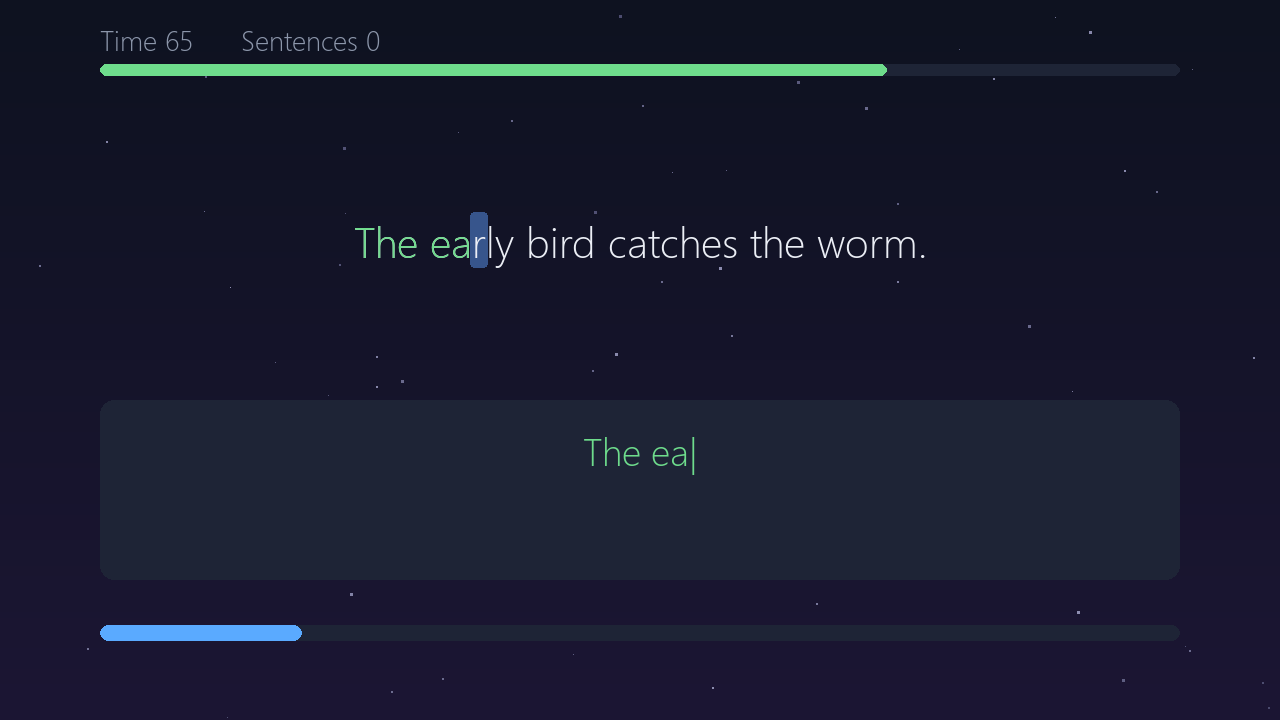
- Sentence Race: finish as many sentences as you can in 90 seconds.
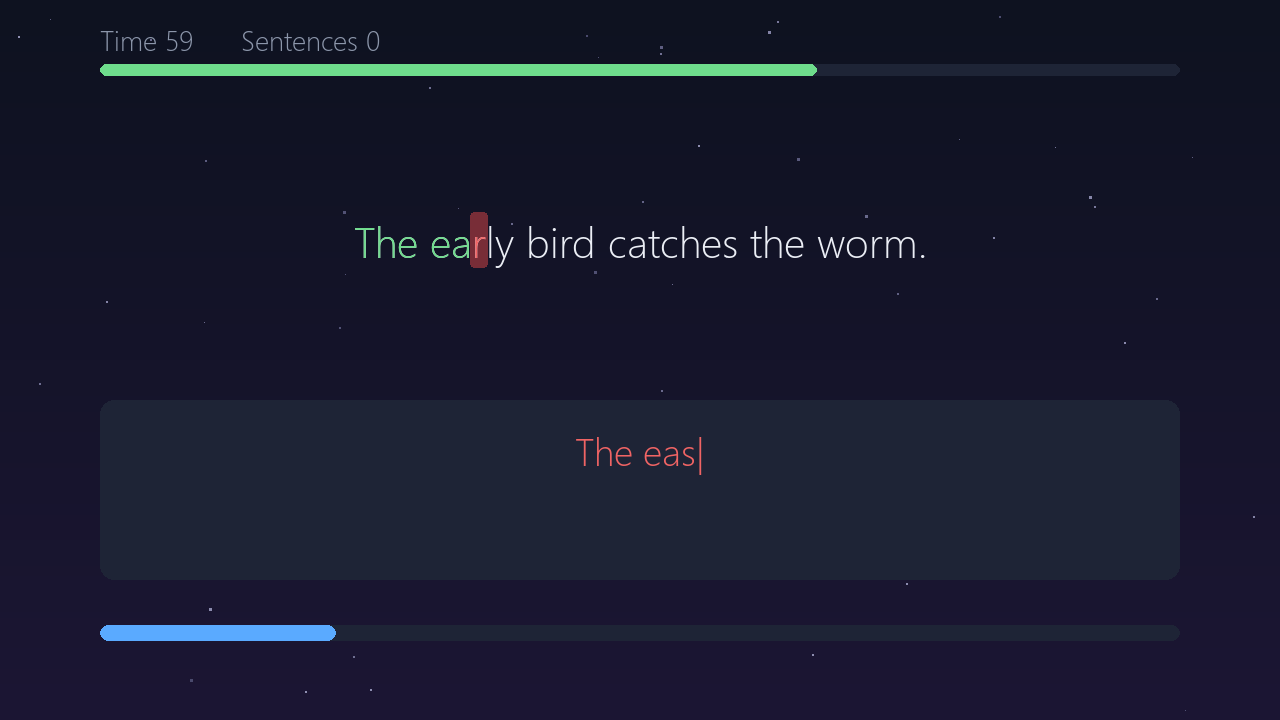
- Speed Test: a 60-second test that shows your WPM and accuracy.
FEATURES
- Hundreds of built-in sentences in Arabic and English
- Add your own words and sentences from Settings
- Letters light up as you type: green for correct, red for mistakes
- In Arabic, plain ا is accepted for أ إ آ (and similar letter variants)
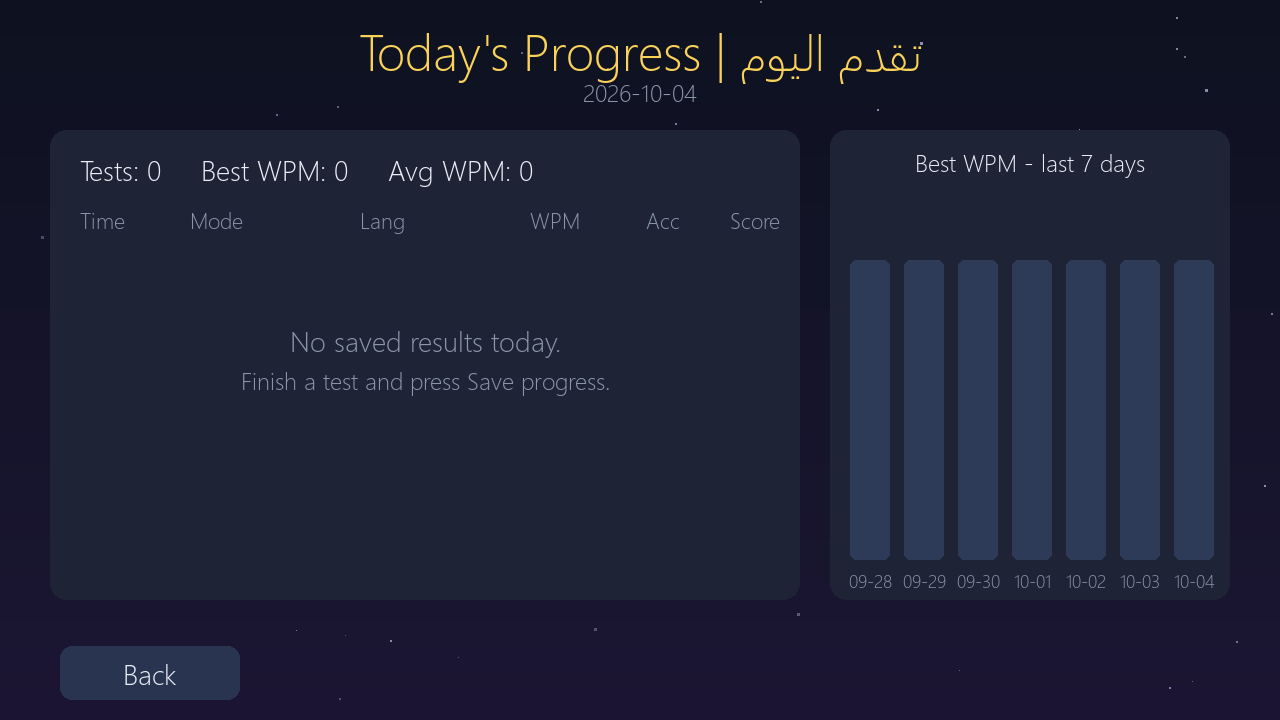
- Save your results and see today's progress and the last 7 days
- Resizable window and fullscreen (F11)
- Simple sound effects (F2 to mute)
- No installation, no internet needed
HOW TO RUN
Extract the zip and double-click TypingTrainer.exe.
If Windows shows a SmartScreen warning, click "More info" then "Run anyway".
Your saved progress and custom texts are stored next to the exe.
Made with Python and pygame-ce. Developed with the help of AI (Claude).
Download
Install instructions
- Download the ZIP file.
- Extract the ZIP file to any folder.
- Open the extracted folder.
- Double-click
TypingTrainer.exeto start the game. - No installation or internet connection is required.
If Windows shows a SmartScreen warning, click More info → Run anyway.
Comments
Log in with itch.io to leave a comment.